



Affixr Talk
Review Talk snags and manage recordings
Affixr Talk is there to speed up logging, not to replace a quick check. Always review what was created before you share a report.
- 1
Review and edit each snag
Open the snag and check the title, description, room, category and photos. Change anything that is not quite right, then save.
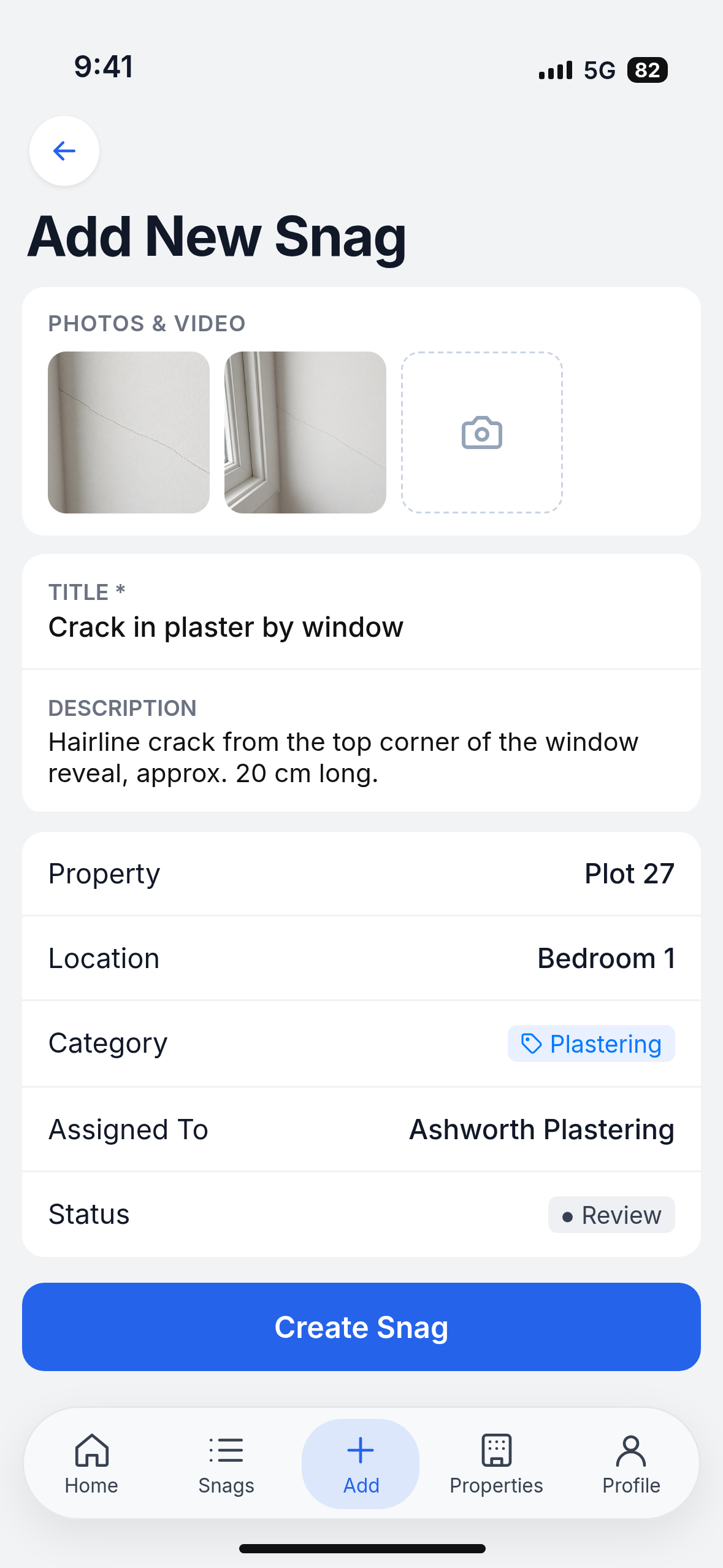
Snag form where you can review and edit the title, description, room and category - 2
Find your recordings
Once a recording has been transcribed, you can find it in Settings.
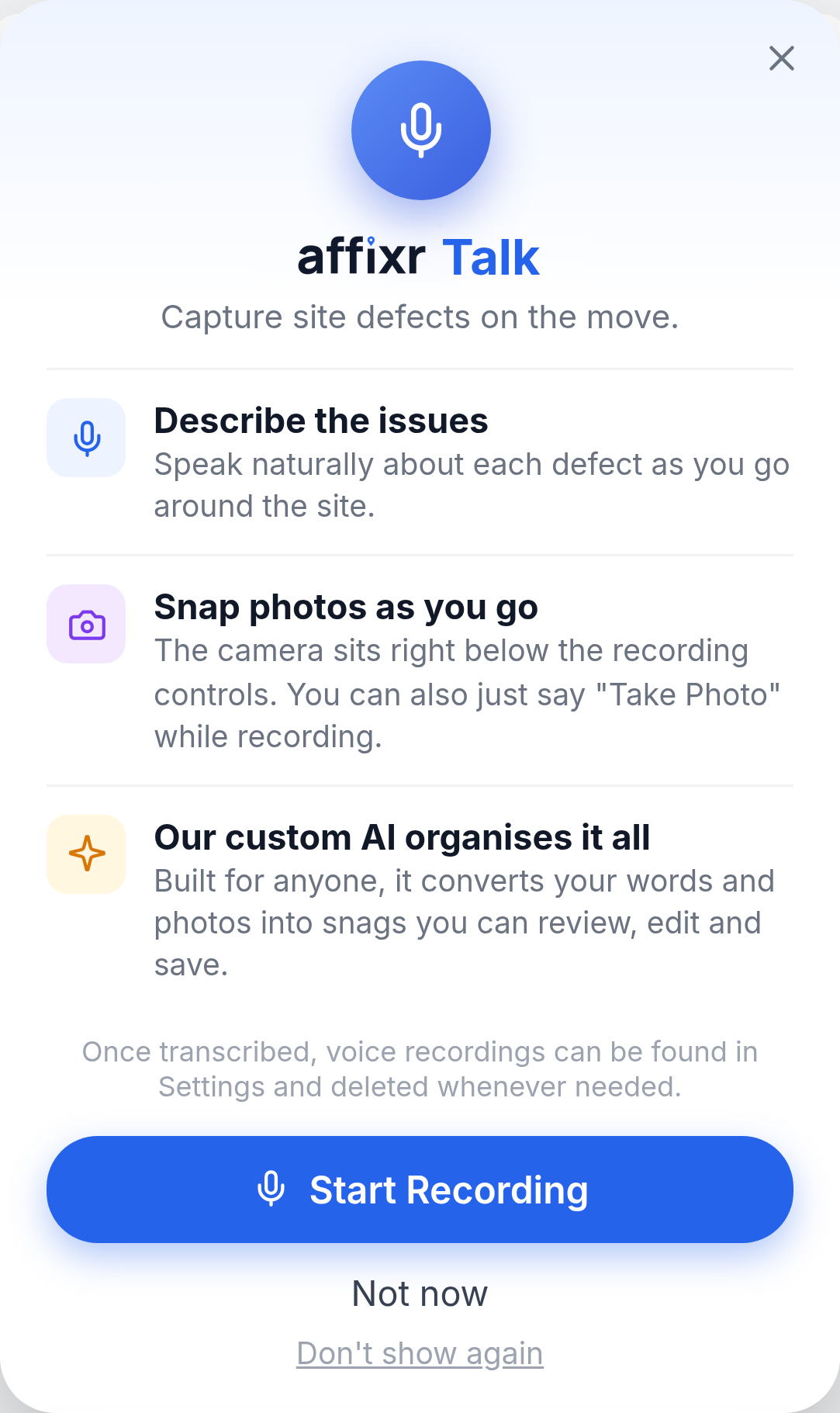
Affixr Talk card noting that recordings can be found in Settings and deleted - 3
Delete recordings when you no longer need them
You can delete voice recordings from Settings whenever you like.
Related guides
- How to use Affixr TalkDescribe defects out loud as you walk around. Affixr Talk turns your words and photos into snags.
- Log a snag with photos or videoAdd a snag with photos, a title, the room, a category and a status.
- Organise snags by room, category and statusKeep every defect easy to find, whether you are walking a room or reviewing the full list.
Still need help? Contact us
Questions about the app, a purchase or a feature? Email us and we will get back to you.
We aim to reply within a couple of working days.