


Account & billing
Upgrade a property
Plans are per property, not a monthly subscription. You can start on Free and upgrade only when you are ready to share or export.
- 1
Choose a plan when you add a property
As you create a property you can pick a plan for it. You can stay on Free and upgrade any time.
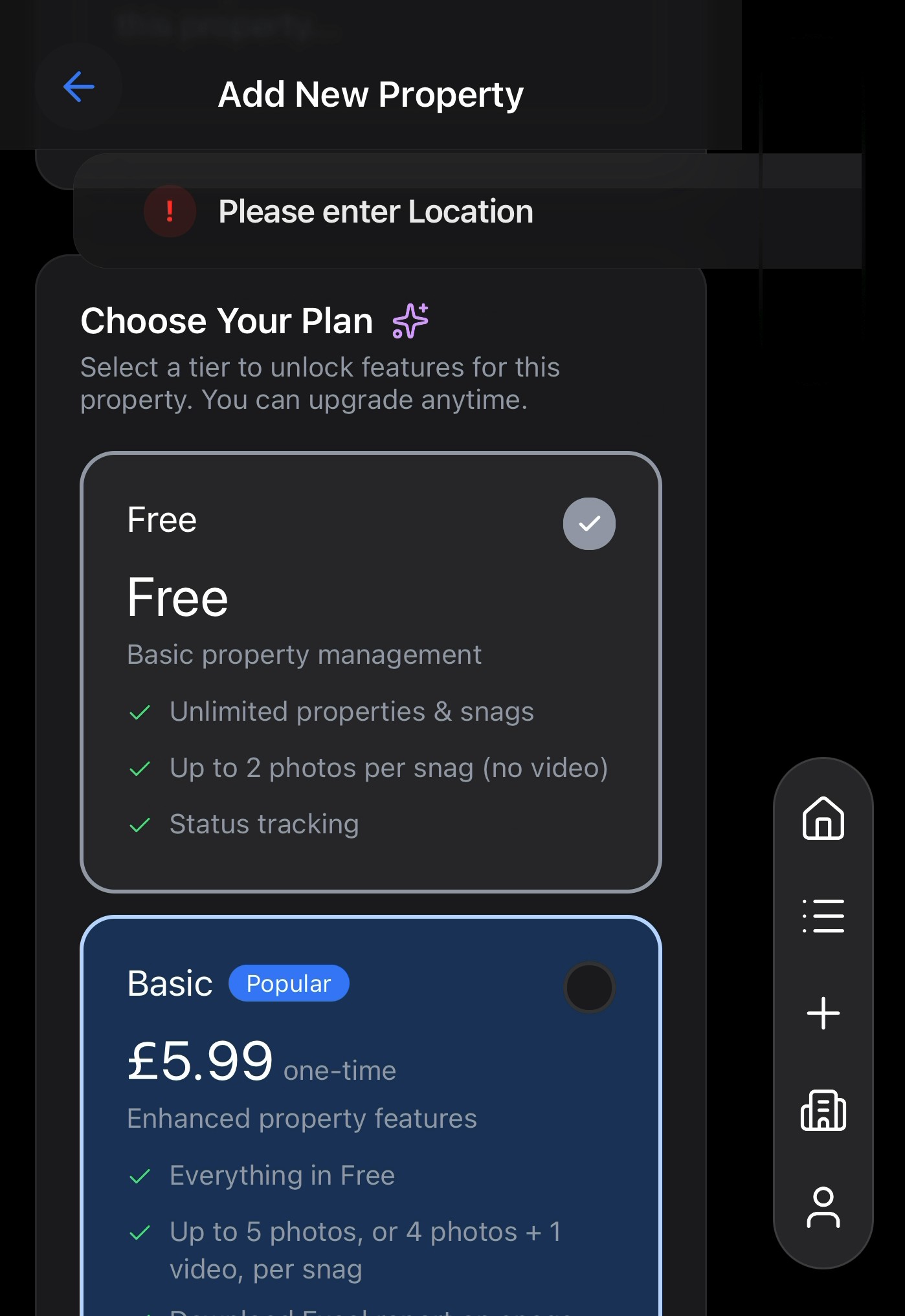
Choose Your Plan sheet when adding a property, with Free and Basic £5.99 - 2
Upgrade later from Properties
On the Properties list, a Free property can show an upgrade option, such as Unlock Premium. Open the property or the upgrade sheet to choose Basic or Premium.
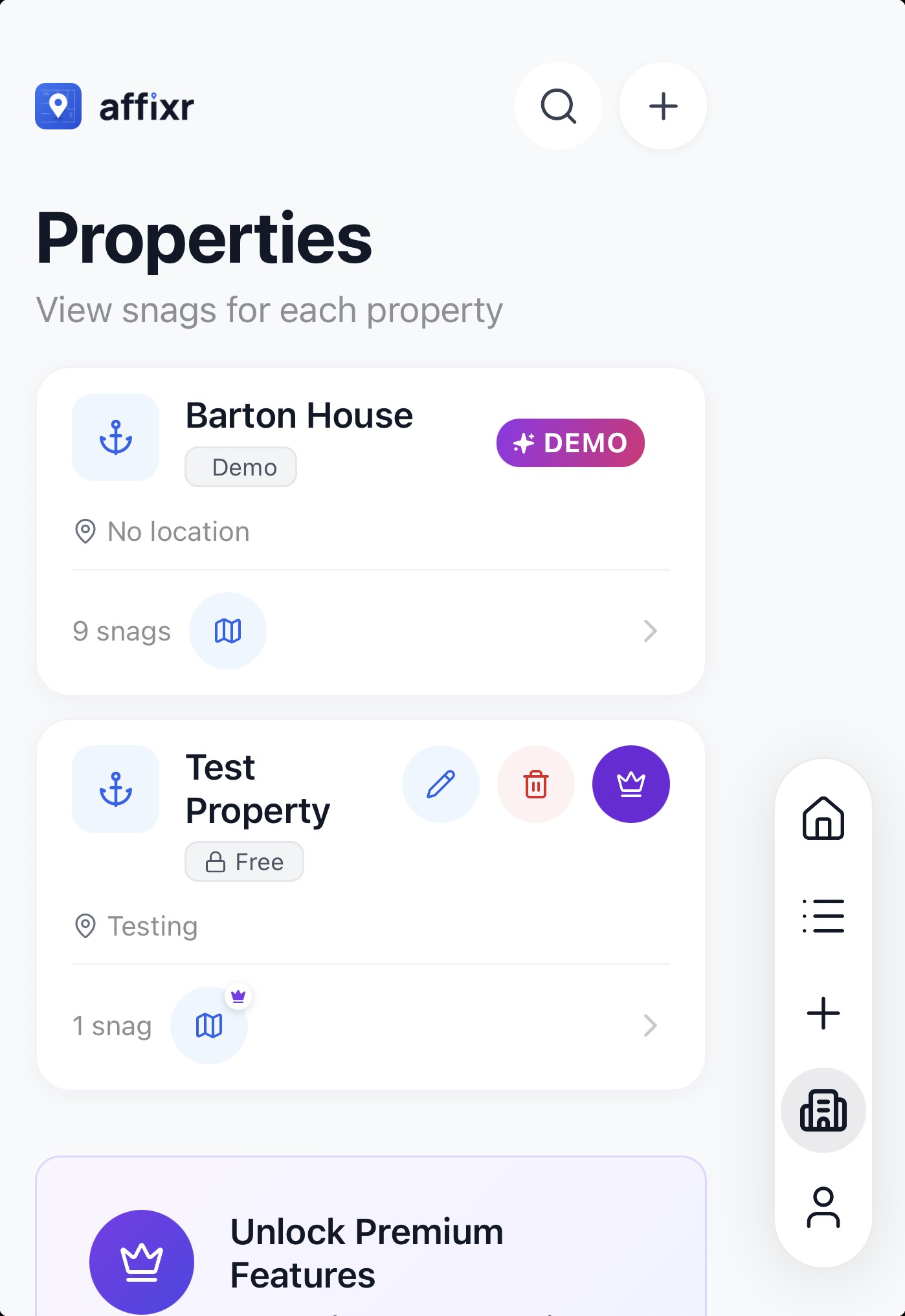
Properties list with an Unlock Premium option on a Free property - 3
Complete the purchase in the app
Confirm the plan and pay through the App Store or Google Play. The upgrade applies to that property only.
Related guides
- Plans and pricingFree to snag. Basic is £5.99 and Premium is £19.99, each a one-off payment per property, with no subscription.
- Export a PDF reportWith Premium, download a professional PDF with photos, notes and status for every snag.
- Pin snags on a floor planOn Premium, drop a pin so the site team can go straight to each defect.
Still need help? Contact us
Questions about the app, a purchase or a feature? Email us and we will get back to you.
We aim to reply within a couple of working days.